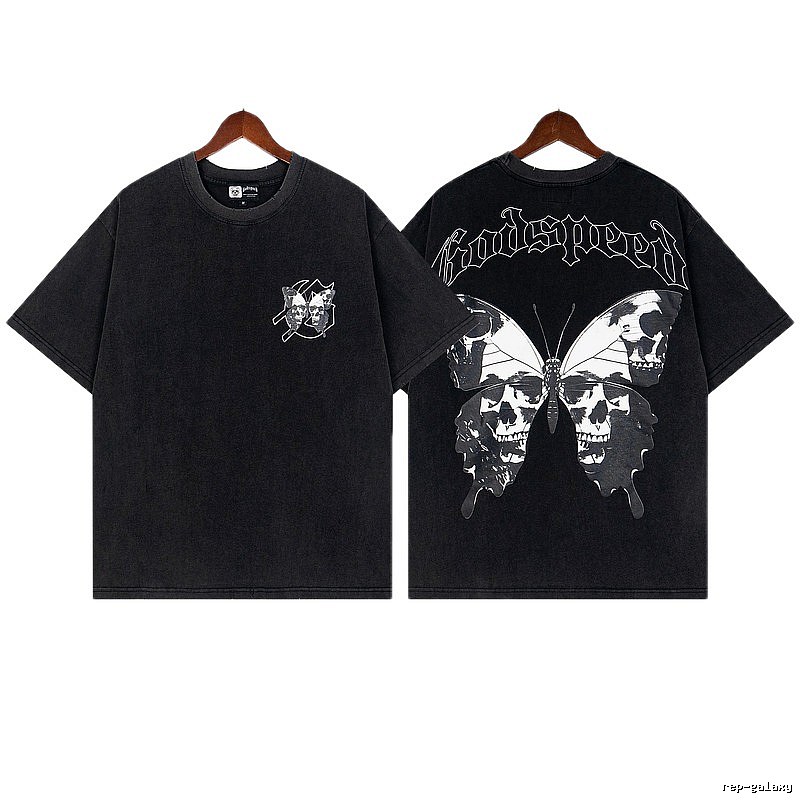
$18.19
→Reps Galaxy | Advanced Order Management & Tracking Tools for Reverse Shoppers
Fresh index
$18.19
→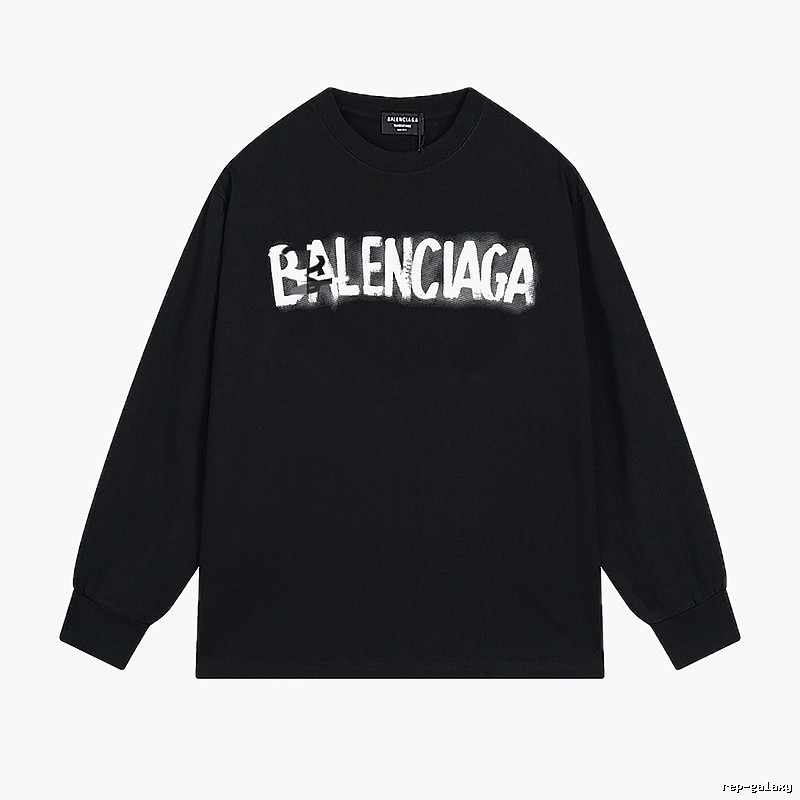
Balenciaga
$30.73
→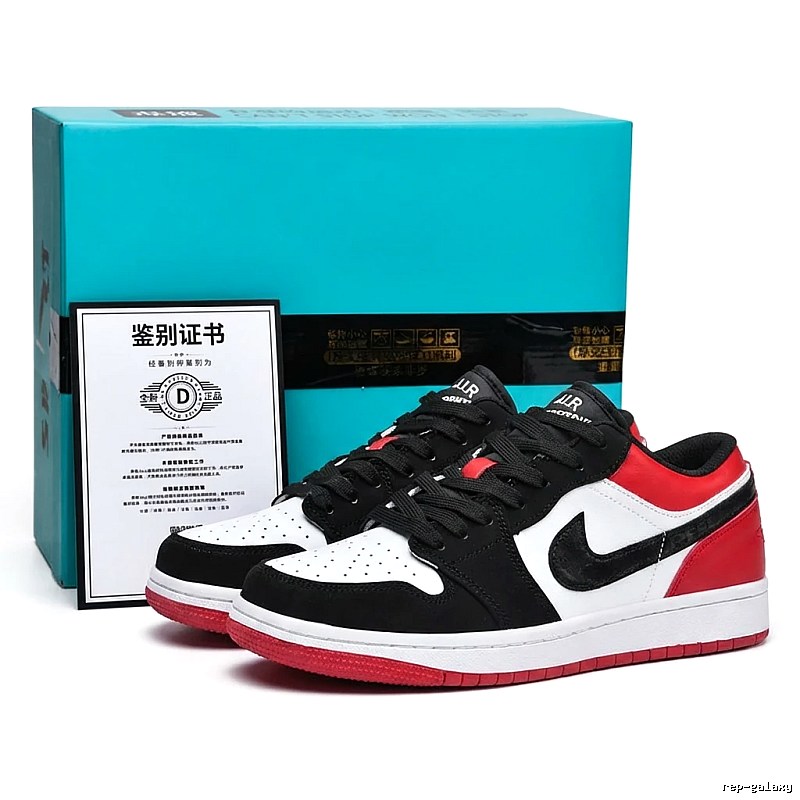
$17.86
→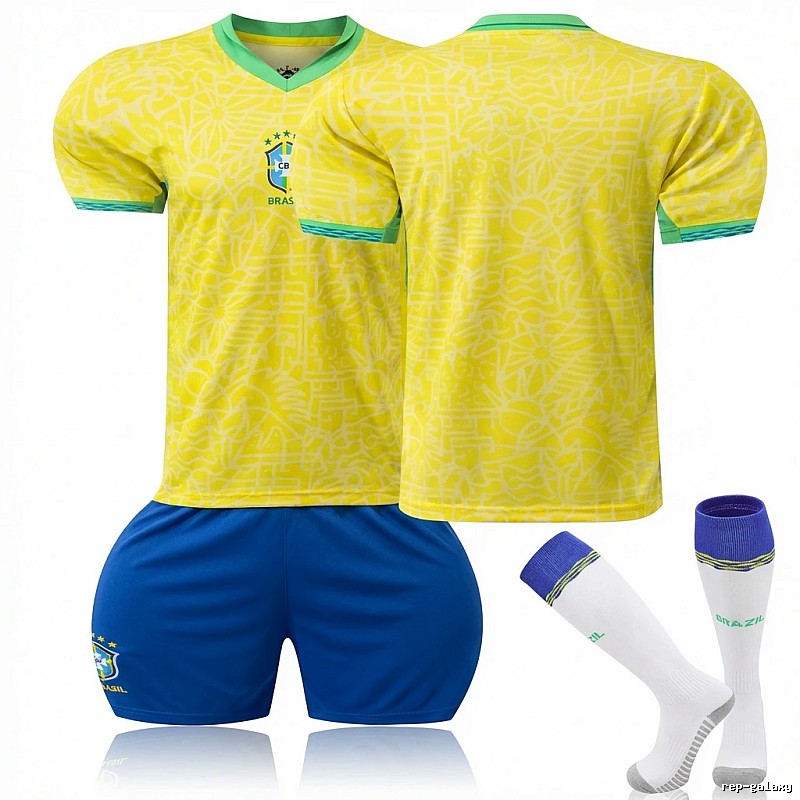
$10.72
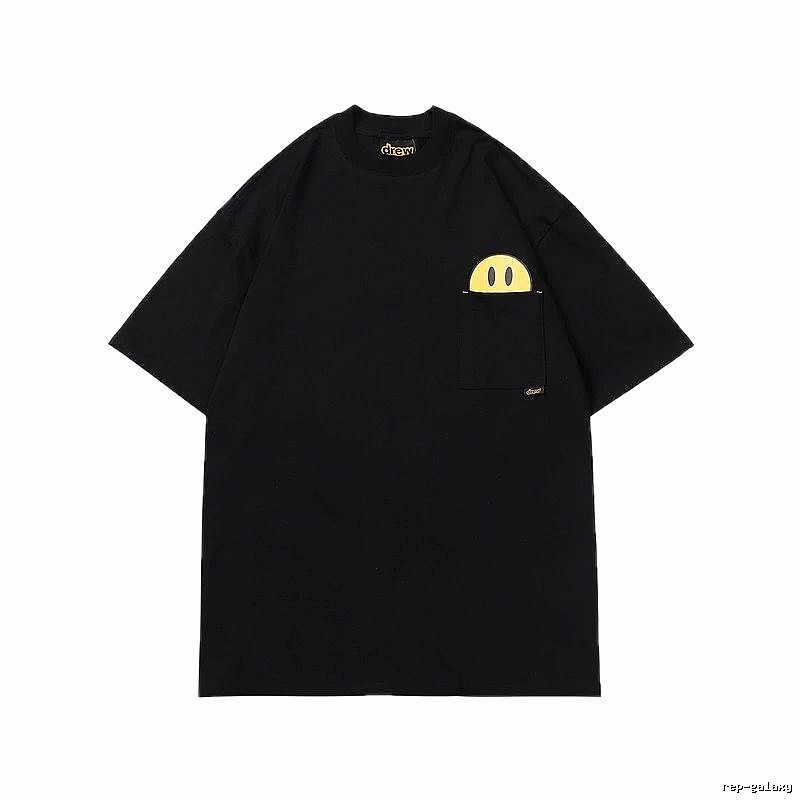
→
$47.03
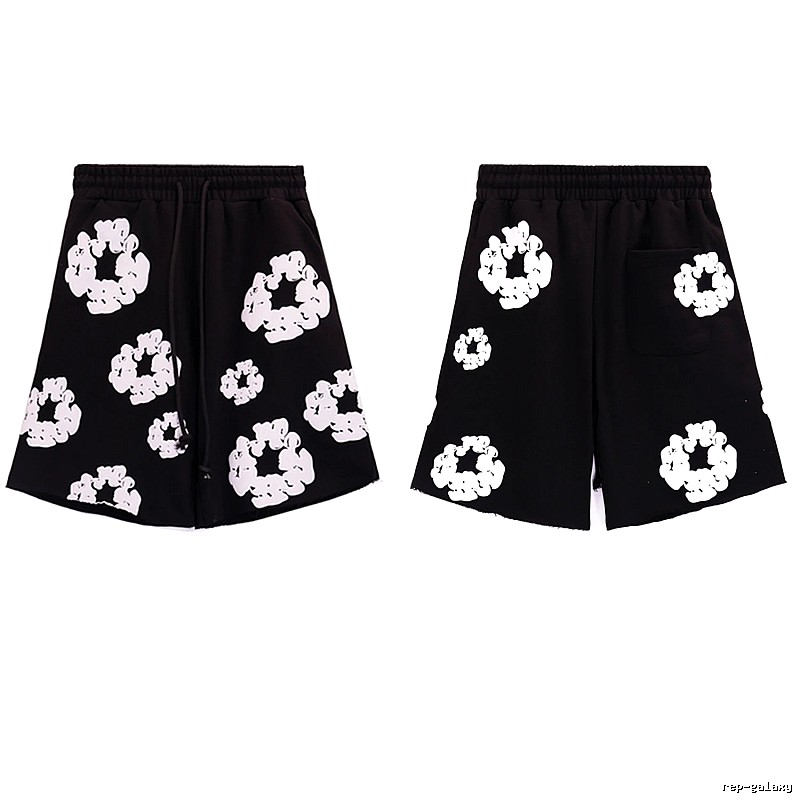
→
Toronto Raptors
$13.12
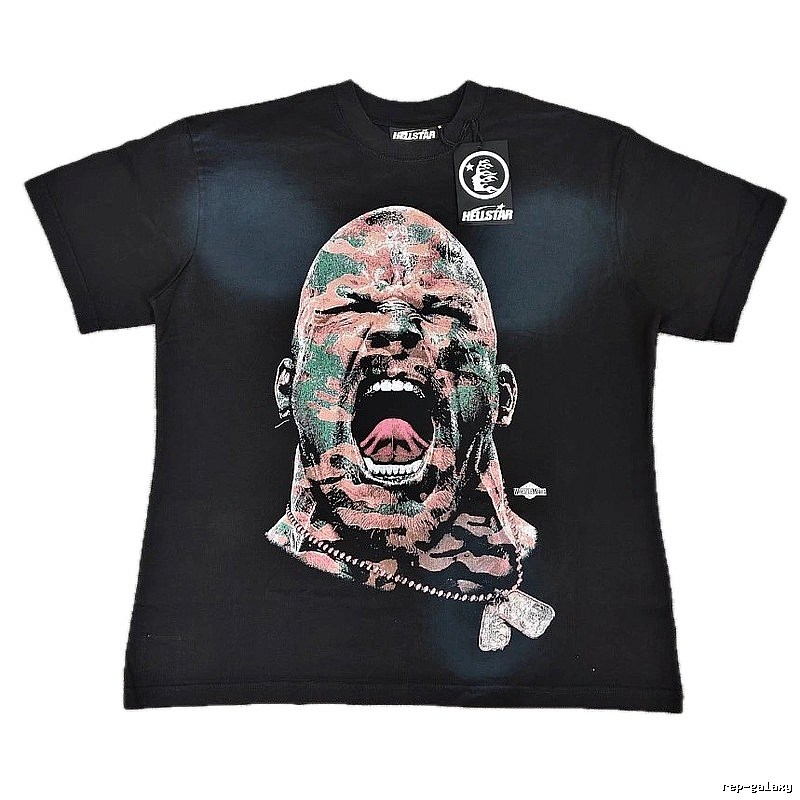
→
$28.18
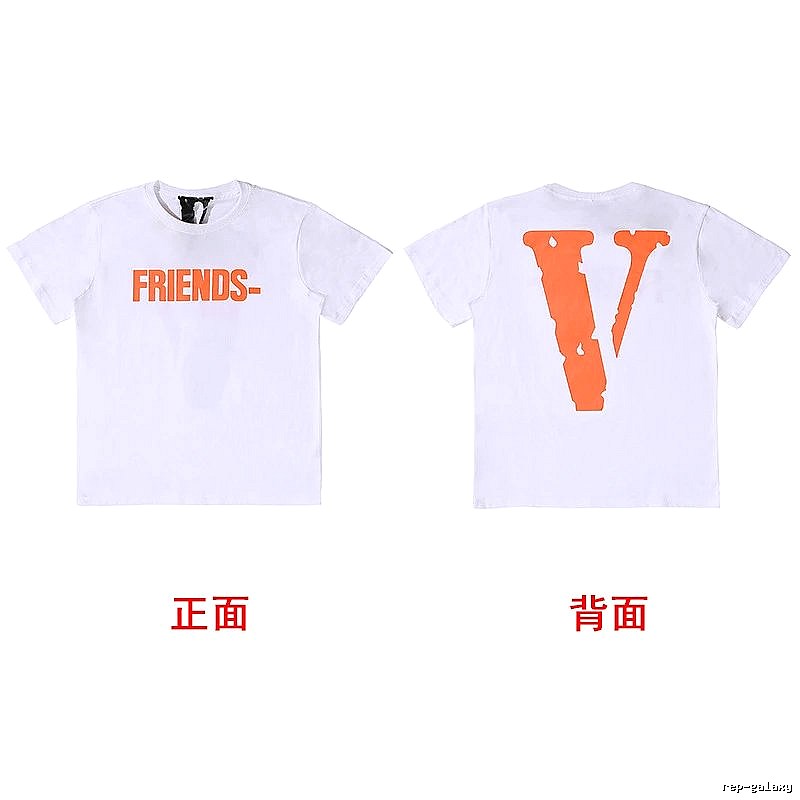
→
$10.08
→Replica lovers know—shopping on KakoBuy itself isn’t complicated, but one step always gives people a headache: finding and verifying products. You have to scroll through spreadsheets for ages, chase sellers for real photos after finding an item, and confirm quality before placing an order. By the end of the process, you’ve spent all your time and energy hunting for products, not buying good ones.
That’s where RepGalaxy comes in 💥. It’s currently the most convenient and efficient spreadsheet tool for KakoBuy—no more jumping between links or begging sellers for photos.
👟 Where Does RepGalaxy Get Its Product Info?
You might be wondering—are the product details on RepGalaxy reliable? The answer: All product information comes from QC-Photos.net.
Who is QC Photos? It’s a dedicated platform for real QC photos, featuring over 10,000 products with authentic QC shots. Covering shoes, clothing, bags, accessories, and more—every photo is a warehouse-taken QC pic, not random promotional material. You can see leather texture, stitching details, and color accuracy—these are the real benchmarks for judging product quality.
RepGalaxy integrates QC Photos’ massive library into a KakoBuy-focused spreadsheet, letting you browse products and view real photos simultaneously—no need to jump to other websites. One-click comparison, maximum efficiency 🔥.
🖼️ What Makes RepGalaxy Different From Other KakoBuy Spreadsheets?
The biggest difference is the user experience. Most regular KakoBuy spreadsheets are just lists of text and links—you have to click through each one individually. For uncertain items, you even have to search for QC photos on other sites.
RepGalaxy combines all these steps into one. Every product in the spreadsheet comes with direct QC photos, so you can judge quality while browsing. Plus, with image search—upload a photo of a style you like, no typing required—and find matches instantly. For visual shoppers, this experience is way better than scrolling through text lists 🎯.
📋 Step-by-Step KakoBuy Shopping Flow With RepGalaxy
Shopping on KakoBuy via RepGalaxy is super simple👇:
Browse products on RepGalaxy—check the included QC photos for styles you’re interested in.
Once satisfied with the quality, copy the product link.
Paste the link on KakoBuy to place your order, using KakoBuy’s Chinese warehouse address as the shipping destination.
After the seller ships the item to KakoBuy’s warehouse, KakoBuy will send you personalized QC photos for final confirmation.
Carefully inspect the QC photos: Is the leather texture correct? Is the stitching neat? Is the logo properly aligned? Does the color match the seller’s images?
Confirm quality is good, choose your shipping method, pay the shipping fee, and wait for delivery.
From selection to receipt, RepGalaxy eliminates the most tedious steps—finding and comparing QC photos. You just need to spend a few extra minutes confirming the final QC, and all other steps are smooth sailing.
🔧 KakoBuy After-Sales Guide
No shopping agent is immune to after-sales issues—and KakoBuy is no exception. The key is knowing how to handle problems when they arise.
KakoBuy’s after-sales core principle: Solve the problem where it occurs.
If the product hasn’t shipped to the warehouse: You can cancel the order anytime, and the refund will be returned to your original payment method.
If the product has arrived at the warehouse but you’re unsatisfied with the QC photos: Contact KakoBuy customer service to request an exchange or refund. Wrong size, wrong batch, poor quality—any issues found during the warehouse stage are manageable.
If the product has already shipped: Distinguish between logistics issues and product quality issues. For logistics problems, prioritize contacting KakoBuy customer service for tracking assistance. For product quality issues, also contact customer service with evidence, and KakoBuy will handle it per their policies.
Key takeaways👇:
Don’t force shipment if you’re unhappy with the QC photos. Communicate with customer service for an exchange—wait a few extra days for a better batch.
Issues found during the warehouse stage are the easiest to resolve. Don’t delay inspection until after receiving the item.
If size tags or packaging info don’t match your order, insist on an exchange/refund. This is often a sign of factory batch errors ⚠️.
Save all chat records and QC photos. These are your evidence if you need after-sales support.
Great after-sales service from the platform is one thing, but your own careful QC inspection during the warehouse stage is even more important. Do a good job of pre-screening, and you’ll rarely need after-sales assistance.
🔥 Who Is RepGalaxy For?
If you shop on KakoBuy frequently, RepGalaxy will be a game-changer—saving you at least 30 minutes per order by cutting out spreadsheet scrolling and QC photo hunting. Even if you only buy occasionally, RepGalaxy is still useful—it lets you see real photos in advance, avoiding blind purchases and duds 💪.
With over 10,000 products in its QC library, image search, and direct KakoBuy order integration—these features combined make RepGalaxy the most efficient KakoBuy spreadsheet tool available.
Check out RepGalaxy now and streamline your KakoBuy shopping experience 🔥!
Directory
Visual match
Find products when titles or translations are unclear.
Guides
Short tips on agents, QC, and checkout routes.
Brands
Jump from brand pages into matching products.